
Quale attività vuoi creare?


How to upload your app via Application Loader on iTunes Connect?
Upload your app from Application Loader
-
On your Mac computer, open the Application Loader, if you don’t have Application Loader,, you can download it from Build, under Prepare for Submission section
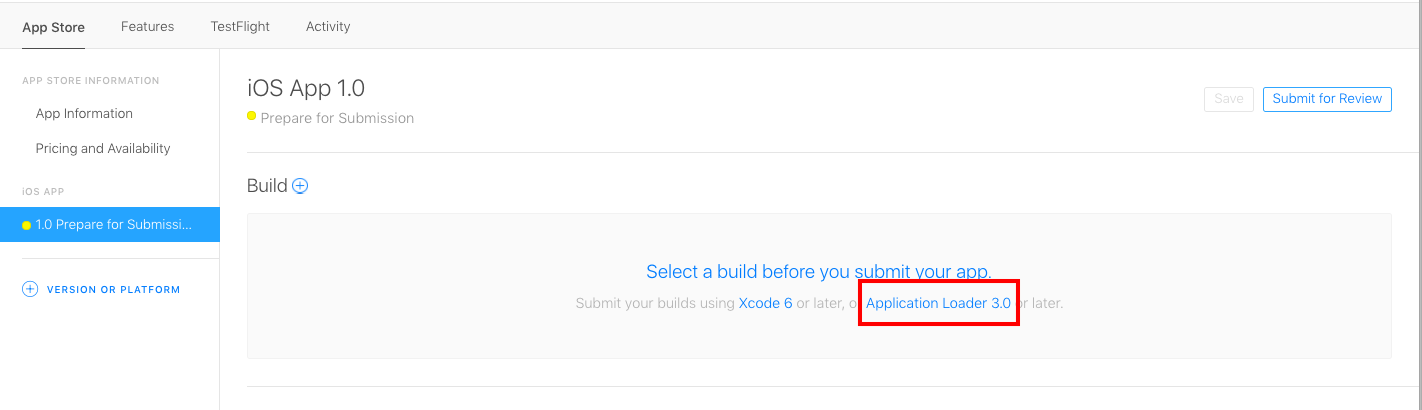
-
Enter your Apple ID and Password
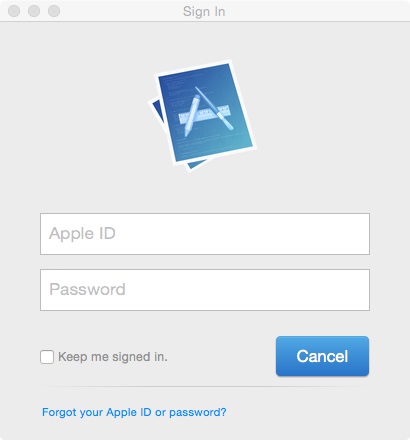
- Click Next
-
Click Deliver Your App
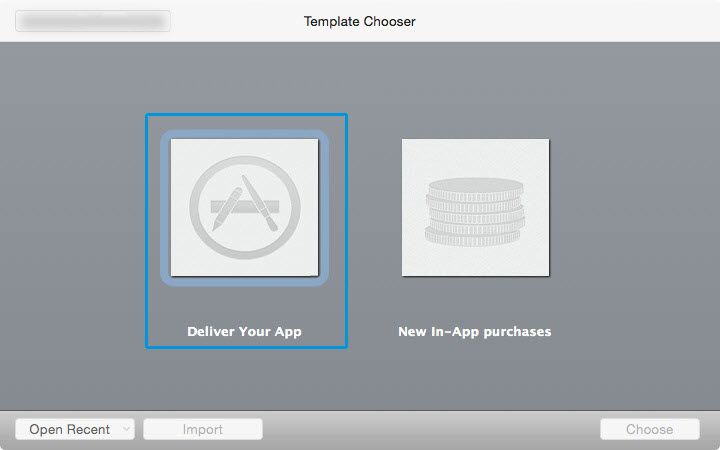
-
Select the app you would like to Submit and click Open
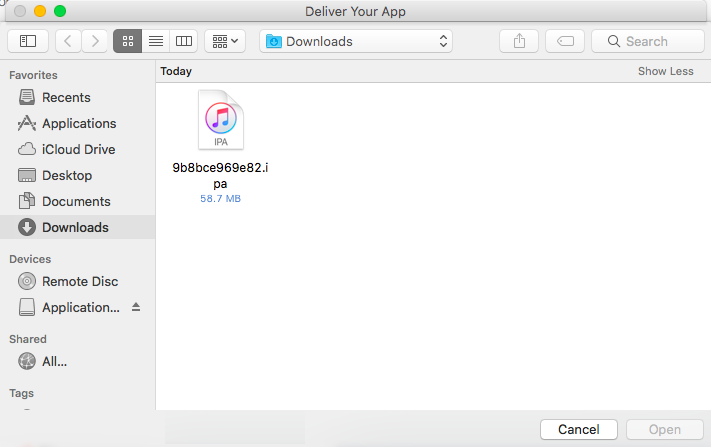
-
Click Next
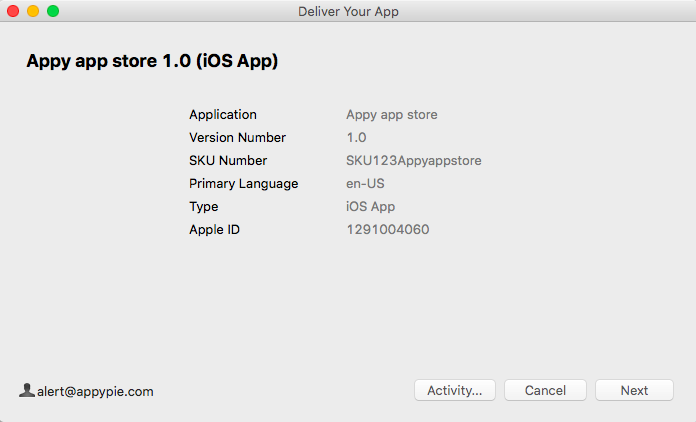
-
Wait for the application loader to upload your file. Once your file is uploaded, you will see a green check (this implies that your app has been submitted to Apple).
Note: You only need to click Send if you receive an error message and want to re-add your application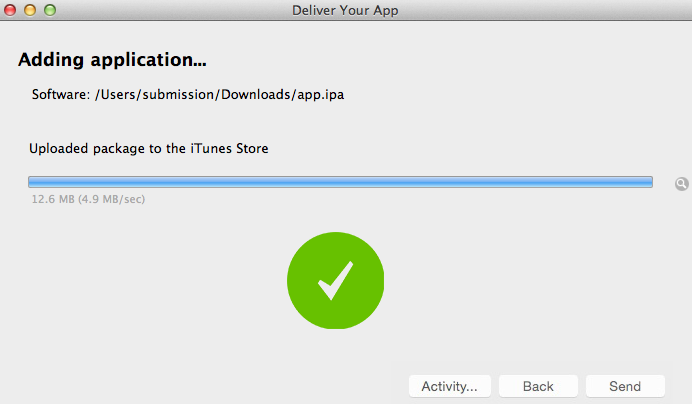
-
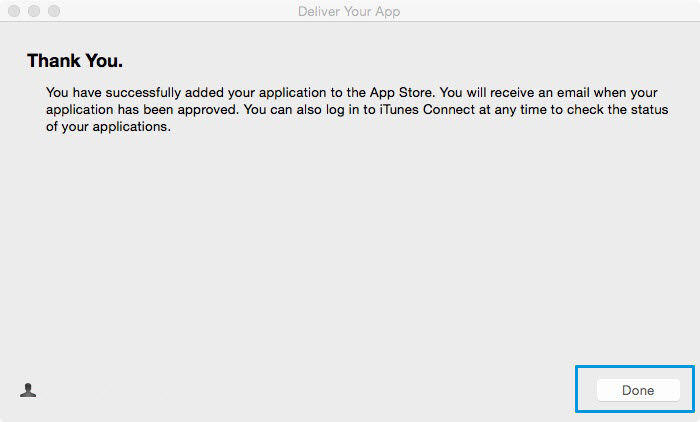
You have successfully added your application to the App Store, click Done
Questo articolo è stato utile
Questo articolo è stato utile
Grazie per il tuo feedback!
- Aderire
- Registrati

Benvenuto ospite!